Quick Start
Last updated December 5, 2025
- Our application is invite only, if you want to get access to our application then please contact admin(at support@century.health).
- Steps after you get invite:
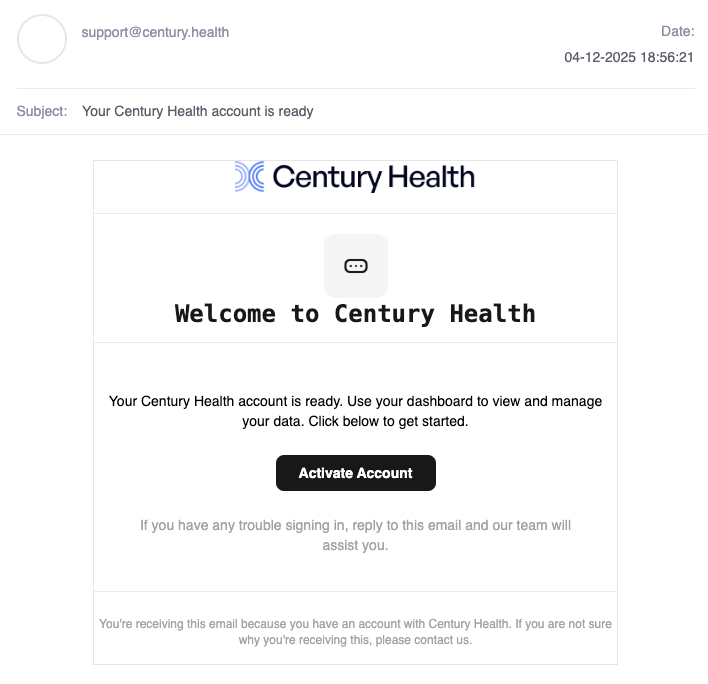
- Check the email and click on accept invite by clicking on "Activate Account" button.
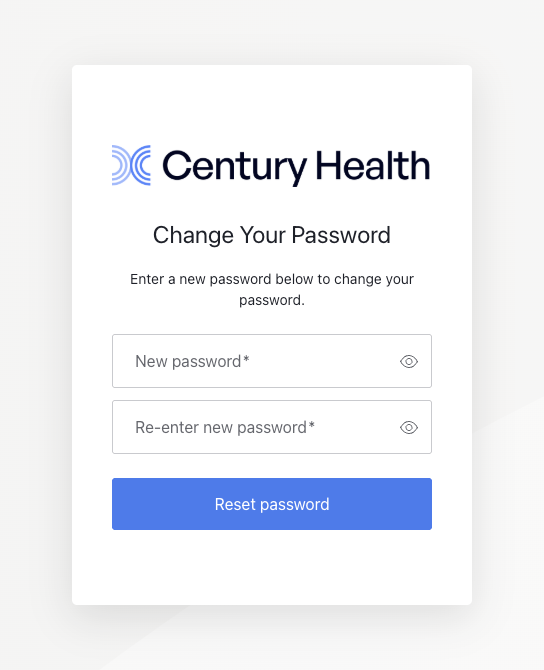
- Create a password for your account.
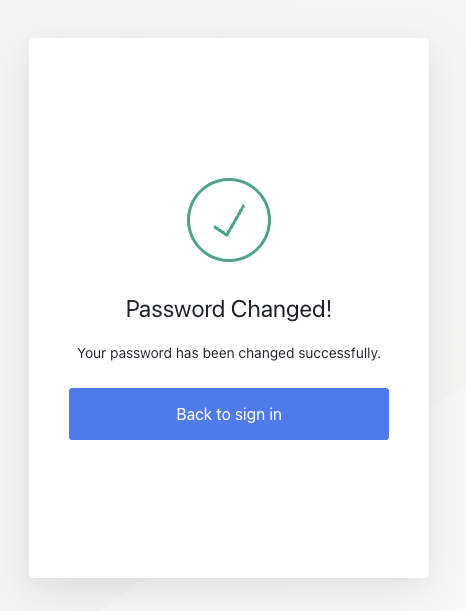
- Click on Back to sign in, after changing the password
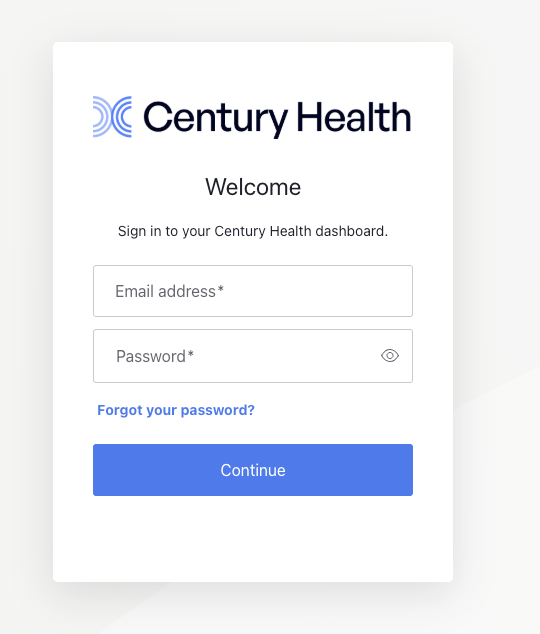
- Enter your email and password to login.
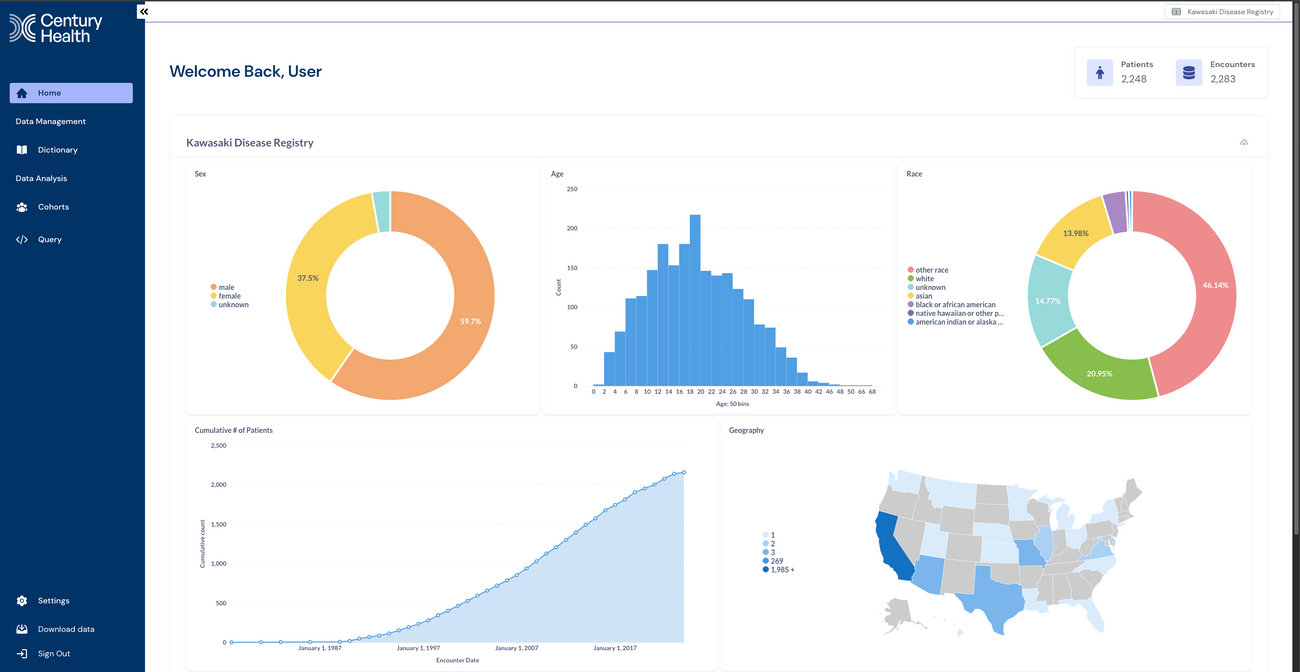
- You have loggedIn successfully.
Was this article helpful?